Web Accessibility Training Courses
Welcome to Web Accessibility Training Courses by Accessibility Innovations, your pathway to mastering inclusive digital design. In these courses, you’ll learn how to build accessible websites that comply with WCAG standards and meet ADA requirements, while creating experiences that work for everyone.
Whether you’re a front-end developer, UX/UI designer, content strategist, product manager, or QA specialist, our training combines theory, real-world use cases, and hands-on labs so you can confidently implement accessibility best practices. Join us to elevate your accessibility skills, reduce compliance risk, and make your digital products truly inclusive.
Web Accessibility Training Course Overview
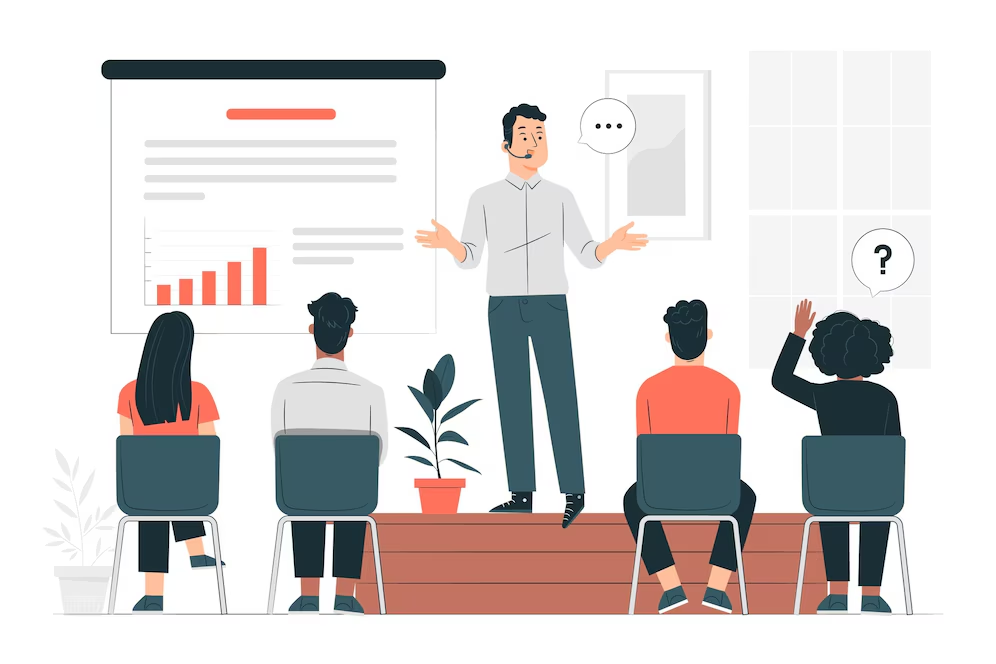
Our course gives you a clear understanding of web accessibility, why it matters, and how to implement it. You’ll learn the foundational concepts of inclusive digital design, discover key standards like WCAG 2.1/2.2, and gain hands-on experience with accessibility testing tools and remediation techniques.
This course is ideal for beginners and intermediate professionals and focuses on making digital content compliant with ADA, Section 508, and WCAG guidelines.
Course Duration
4 weeks (self-paced or instructor-led sessions available)
Learning Outcomes
- Understand the importance of web accessibility
- Interpret and apply WCAG success criteria
- Use tools like WAVE and Lighthouse to test digital content
- Fix common accessibility issues related to forms, navigation, and multimedia
Target Audience

Web Developers
Learn how to build accessible websites and components that follow WCAG, Section 508, and ADA from the outset and avoid common pitfalls such as inaccessible forms, navigation, or multimedia.

UX/UI Designers
Understand inclusive design principles to create digital experiences that support usability and accessibility across all user groups from layout, color and navigation to accessible interactive elements.
Content Creators & Editors
Gain skills to produce accessible text, media, and documents, ensuring ongoing updates stay compliant with WCAG, ADA, and Section 508 standards.

QA & Product Teams
Improve your ability to test, validate, and report accessibility issues to ensure digital products meet usability, WCAG, and ADA compliance standards.

Businesses & Organizations
Strengthen team‑wide accessibility knowledge, reduce compliance risk, and build internal capacity to maintain accessible, inclusive digital products over time.
ADA/WCAG Compliance Help?
Undergoing an audit or preparing a compliance report? Our experts are here to assist you every step of the way. Contact Accessibility Innovations today to achieve full accessibility compliance and improve the user experience for all!
Course Curriculum
Our curriculum is broken into four structured weekly lessons, each building your skill set step-by-step:

Introduction to Web Accessibility
Web accessibility ensures that digital content is usable by everyone including people with disabilities. In this course, you’ll begin with the foundational principles of accessibility, learning how different impairments (visual, auditory, motor, cognitive) affect web experiences. We also introduce you to the WCAG 2.1 guidelines, the ADA, and why compliance is not just about the law but about inclusive design.
Understanding WCAG Guidelines
In this module, you’ll explore the Web Content Accessibility Guidelines (WCAG) in detail, focusing on the Perceivable, Operable, Understandable, and Robust (POUR) principles. You’ll learn how to apply WCAG 2.1 success criteria to real websites and how to evaluate content for AAA-level accessibility. This training goes beyond checklists, it helps you interpret WCAG practically and contextually.

Accessible Design and UX Best Practices
Design plays a critical role in accessibility. You’ll learn how to design interfaces with color contrast, typography, and responsive layout that support users with visual, cognitive, and mobility disabilities. The course includes hands-on exercises in designing accessible navigation, forms, and interactive components, with special focus on usability testing and inclusive UX patterns.

Screen Readers and Assistive Technologies
Gain first-hand knowledge of how screen readers, screen magnifiers, and voice input tools interact with websites. You’ll practice navigating pages using NVDA and VoiceOver, and learn how to test for screen reader compatibility. Understanding these tools will help you code and design with empathy, ensuring content is truly navigable by all.

Remediating Common Accessibility Issues
This module focuses on identifying and fixing common barriers to accessibility such as missing alt text, inaccessible forms, keyboard traps, improper heading structures, and dynamic content issues. You’ll learn remediation strategies for both new and legacy websites, with real examples and recommended tools.

Accessibility Testing and Evaluation
Learn how to evaluate web content using automated tools, manual testing, and user testing with people with disabilities. This section covers how to use tools like axe DevTools, WAVE, Lighthouse, and manual checklists for thorough assessments. You’ll leave with a strong understanding of how to build accessible testing into your QA workflows.

Creating a Culture of Accessibility
Lasting accessibility requires more than technical fixes, it requires a shift in mindset. This module teaches you how to advocate for accessibility within your organization, write accessible content, and integrate inclusive thinking into every part of the product lifecycle. You’ll also explore how accessibility supports diversity, equity, and inclusion (DEI) initiatives.
Frequently Asked Questions (FAQ’s)
Where can I learn web accessibility?
Learn web accessibility through online platforms, workshops, and self-paced courses. Our training covers WCAG, accessible design, and inclusive development for all skill levels.
How to get web accessibility certification?
The IAAP offers certifications like CPACC and WAS. Our courses prepare you for these exams with in-depth content and exercises aligned with industry standards.
What is a web accessibility specialist?
A web accessibility specialist ensures digital content is accessible to people with disabilities. They conduct audits, advise on best practices, and guide remediation efforts.
How to get an ADA certification?
There is no official “ADA certification,” but organizations can demonstrate compliance through audits, training, and third-party validation. Our courses help with this process.
WCAG guidelines are not laws, but they are used as the standard for legal compliance, especially under the ADA. Non-compliance can result in legal risk.
What is the difference between ADA and WCAG?
The ADA is a law prohibiting discrimination based on disability. WCAG provides the technical standards for achieving ADA compliance online.