Document Accessibility Training Courses
Our Document Accessibility Training Courses are designed to teach professionals how to create inclusive, compliant digital documents across popular formats like Microsoft Word, PowerPoint, and PDF. This hands-on program is perfect for anyone responsible for document creation and distribution—from government staff and educators to designers and communications teams.
Learn how to meet accessibility standards such as the ADA, Section 508, and WCAG 2.2. Gain confidence in formatting and converting files to ensure all users, including those with disabilities, can access your content with ease. Whether you’re new to document accessibility or looking to enhance your skills, this course offers the tools and techniques you need.
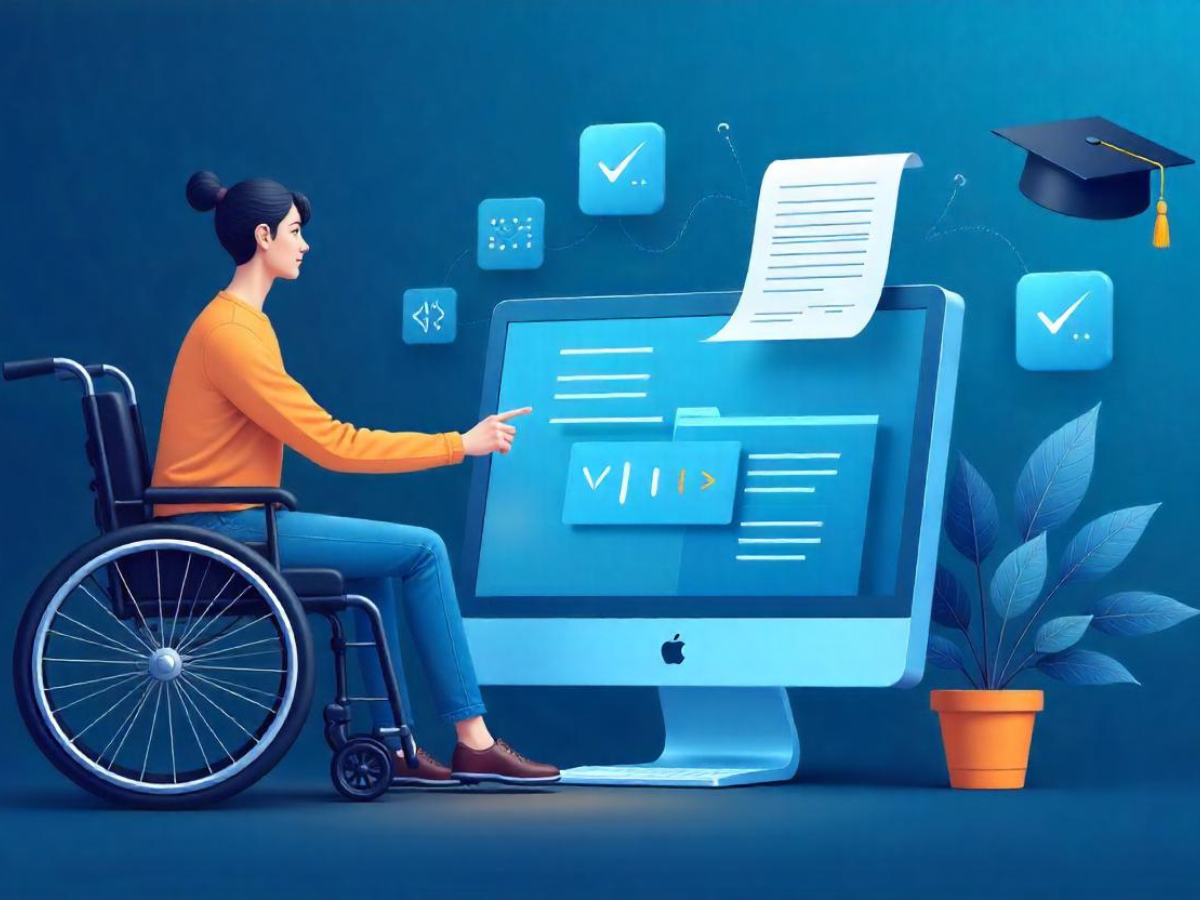
Document Accessibility Training Course Overview
This course delivers a structured, interactive learning experience focused on creating accessible digital documents. You’ll gain real-world knowledge of compliance standards and learn how to remediate existing documents while preventing accessibility barriers in new content.
Course Duration
Master the essentials of document accessibility with this training course, equipping you with the skills to create inclusive, user-friendly documents for everyone.
Level: Beginner
Duration: 6 Weeks, 3-4 hours per week
Mode: Online, Interactive
Learning Outcomes
- Create accessible documents in Word, PowerPoint, and PDF formats
- Understand WCAG and Section 508 requirements
- Use accessibility checkers, screen readers, and tagging tools
- Export and validate documents for assistive technology compatibility
- Avoid common mistakes that prevent accessibility
Empower your team with essential document accessibility skills through our expert training. Ensure your documents are inclusive and accessible to all users.
Target Audience
Our Document Accessibility Training Courses are ideal for:

Content creators

Government employees

Graphic designers

Educators and academic professionals

Accessibility consultants
ADA/WCAG Compliance Help?
The techniques covered in this course directly support ADA, Section 508, and WCAG 2.1/2.2 compliance by ensuring that your documents can be navigated and interpreted by screen readers and other assistive technologies.
By learning to implement document accessibility best practices, your team can:
- Minimize legal risk
- Expand access for diverse audiences
- Improve usability for all users
- Demonstrate a commitment to digital inclusion
Course Curriculum
Introduction to Document Accessibility
- What is document accessibility?
- Overview of standards and tools
Creating Accessible Documents in Microsoft Word
- Styles, headings, lists, and structure
- Using the Accessibility Checker
Converting Word Documents to Accessible PDFs
- Best practices for conversion
- Maintaining tagging and reading order
Creating Accessible PDFs from Scratch
- Manual tagging and structure setup
- Tools like Acrobat Pro and PAC 2024
Accessible PowerPoint Presentations
- Slide layout strategies
- Alt text for visuals and accessible templates
Introduction to HTML Document Accessibility
- Semantics, headings, ARIA roles
- Basic accessibility testing for web-based content
Frequently Asked Questions (FAQ's)
+
Who should take this course?
This course is for anyone who creates, edits, or publishes digital documents—including designers, administrators, and communications professionals.
+
Do I need prior experience?
No prior experience is required. Beginners are welcome, and advanced users will still benefit from best-practice workflows.
+
Is the training updated with current WCAG guidelines?
Yes! The training is built around compliance with WCAG, PDF/UA, AODA, ACA, and Section 508 standards.
+
What types of documents will I learn to make accessible?
You’ll learn how to prepare accessible reports, brochures, templates, manuals, and other types of digital publications.
+
Will I receive a certificate after completing the course?
Yes. Upon completion, participants receive a Certificate of Completion indicating their training in accessible document creation.
+
Is this course self-paced or instructor-led?
We offer both self-paced modules and live instructor-led sessions depending on your preference and team requirements.