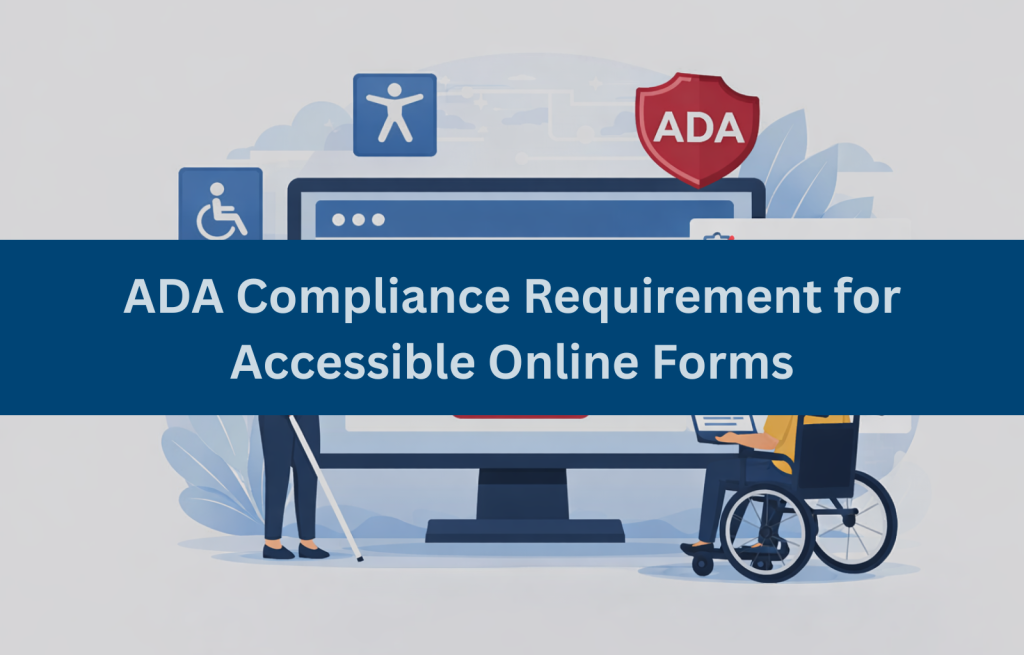
Online forms are a fundamental part of modern digital interaction from contact and registration forms to surveys, applications, and e‑commerce checkout. But when these forms are not designed inclusively, people with disabilities may be unable to access or complete them independently.
An accessible online form is designed so that all users including those who rely on assistive technologies like screen readers, keyboard navigation, or voice input can understand, navigate, and submit the form without barriers. Under the Americans with Disabilities Act (ADA), digital content that provides public access to goods and services must be accessible to people with disabilities. This means online forms must meet accessibility standards that ensure equal participation and usability by everyone.
Why Online Forms Commonly Fail ADA Accessibility Requirements
Despite their simplicity, many online forms fail accessibility requirements because they focus on visual design alone without considering how assistive technologies interpret form elements. Some common problems include:
- Missing form field labels: Without properly associated labels, screen readers cannot communicate the purpose of a field.
- Keyboard interaction issues: Users who cannot use a mouse must rely on keyboard navigation. Forms with illogical tab order or elements that cannot be accessed via keyboard create barriers.
- Unclear or inaccessible error messages: If users receive errors that are not programmatically linked or audible, they cannot determine what needs correction.
- Placeholder‑only descriptions: Placeholder text is not a substitute for labels because it disappears when users start typing.
These issues can make the form unusable for people who depend on accessible markup and predictable navigation patterns.
What ADA Compliance Requires for Accessible Online Forms
The ADA does not specify a checklist for online content, but U.S. courts and regulatory guidance commonly reference the Web Content Accessibility Guidelines (WCAG) as the technical standard for digital accessibility. ADA compliance for online forms essentially means that forms must be perceivable, operable, understandable, and robust for users of all abilities.
Rather than focusing on visual appeal alone, ADA compliance prioritizes functionality and access. If a user cannot understand, navigate, or complete a form with assistive technology, the form may violate ADA requirements.
Essential Components of an ADA‑Compliant Online Form
To be ADA‑compliant, online forms should include:
- Programmatically associated labels: Every form field must have a <label> accurately linked to its input element so assistive technologies can describe the field.
- Clear instructions and placeholders: Instructions should be separate from placeholders and provide context for expected input.
- Accessible error identification: Errors should be programmatically associated with input fields and presented in a way that assistive technologies can communicate.
- Logical tab order and navigation: Users navigating with a keyboard should move through the form fields in a predictable order.
- Consistent focus indicators: The focus outline must be visible and predictable when users navigate via keyboard.
Accessible form components ensure that users can complete tasks with confidence and without frustration.
WCAG Criteria That Apply to Online Form Accessibility
While ADA does not mandate a specific version of WCAG in all contexts, WCAG 2.1 Level AA is widely accepted as the standard for ADA compliance. The following WCAG success criteria are especially relevant for forms:
- 1.3.1 Info and Relationships: Ensure labels and form elements are programmatically connected.
- 2.1.1 Keyboard: All functionality must be usable by keyboard only.
- 3.3.1 Error Identification: When an input error is detected, it must be identified and described to the user.
- 3.3.2 Labels or Instructions: Labels or instructions are provided when content requires user input.
These criteria help ensure forms are accessible by addressing the way information is communicated and interacted with by assistive technologies.
Common ADA Accessibility Issues Found in Online Forms
In ADA accessibility evaluations, the following form accessibility issues are frequently identified:
- Placeholder‑only labels: Placeholder text disappears as users type, making it inaccessible to screen readers once focused.
- Color‑only error messages: Users with visual impairments may not notice errors if color is the only indicator.
- Broken tab order: If the tab sequence is illogical or jumps unpredictably, keyboard users become disoriented.
- Missing instructions for required fields: Required fields should clearly indicate how to complete them.
These issues not only block access but increases error rates and user frustration.
How to Test Online Forms for ADA Compliance
A comprehensive accessibility test strategy combines automated tools and manual testing:
- Automated testing tools: Tools like Axe, WAVE, or Lighthouse can identify missing attributes, label associations, and some scripting errors.
- Manual keyboard testing: Navigate the form using only a keyboard to ensure all elements are reachable and usable.
- Screen reader testing: Using screen readers like NVDA or VoiceOver helps ensure that form fields, labels, instructions, and errors are communicated correctly.
Automated tools can find many issues, but manual testing reveals barriers that tools cannot detect especially in complex interactive forms.
Risks of Non‑Compliant Online Forms Under ADA
Inaccessible online forms pose significant risks:
- Legal exposure: Lawsuits and complaints under ADA Title III can result in costly litigation and settlements.
- User exclusion: People with disabilities may be unable to access essential services, apply for jobs, or complete transactions.
- Reputational damage: Inaccessible digital experiences can harm brand credibility and trust.
Ensuring ADA compliance through accessible online forms protects users and reduces legal and operational risks.
Key Takeaways for Building Accessible Online Forms
Accessible online forms are essential for meeting ADA compliance requirements and providing equal access to digital services. When forms are built and tested using WCAG criteria, organizations reduce accessibility risks while improving usability for all users.
If your online forms collect information, process applications, or handle transactions, accessibility should be treated as a compliance requirement, not an afterthought. We help businesses evaluate, test, and remediate online forms to support ADA compliance and reduce legal exposure.
FAQs (Frequently Asked Questions)
Which accessibility standards apply to online forms under ADA?
WCAG 2.1 Level AA is widely referenced as the standard for ADA compliance, especially regarding form accessibility.
What are the most common ADA violations found in online forms?
Common violations include missing labels, inaccessible error messages, placeholder‑only text, and improper keyboard navigation.
Do contact forms and checkout forms both need ADA compliance?
Yes, any online form that provides public access to services or information should be ADA compliant.
How should error messages be handled in ADA‑compliant online forms?
Errors should be programmatically associated with the field and described in text, not by color alone.
How can businesses test online forms for ADA compliance?
Use a combination of automated tools and manual testing with keyboard and screen readers to ensure full accessibility.
Can inaccessible online forms lead to ADA lawsuits or complaints?
Yes, inaccessible digital forms can result in ADA complaints and legal actions under Title III.