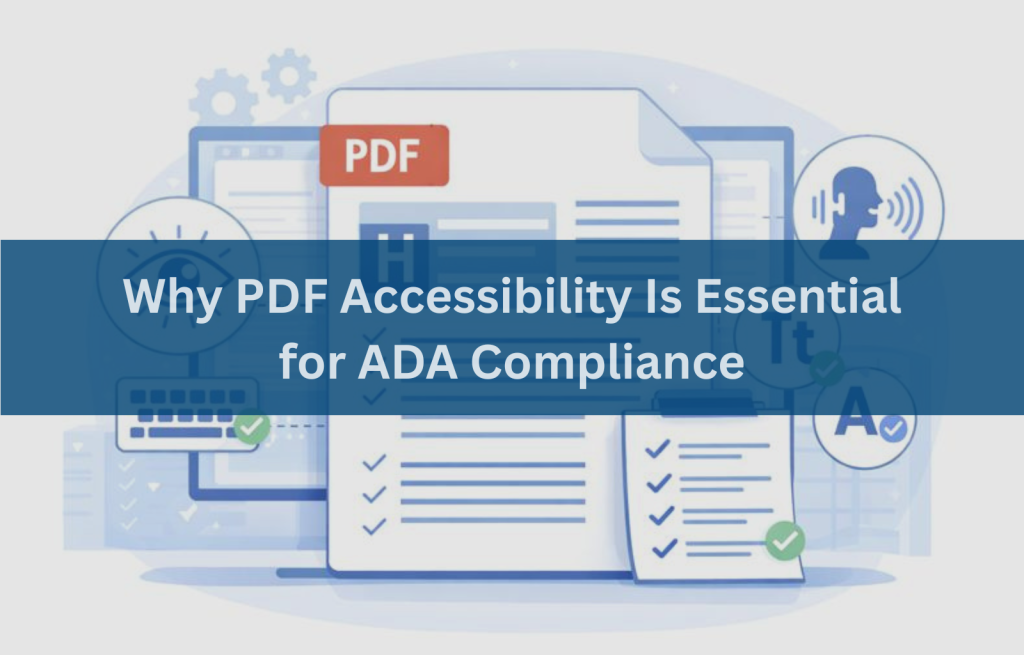
The Americans with Disabilities Act (ADA) requires equal access to information and services for people with disabilities. While many organizations focus on making their websites accessible, PDF documents are often overlooked, even though they are one of the most common ways information is shared online.
Forms, reports, manuals, policies, and applications are frequently distributed as PDFs. When these documents are not accessible, they create serious usability barriers and expose organizations to legal risk. Inaccessible PDFs can prevent people with disabilities from completing tasks, accessing services, or understanding critical information, making PDF accessibility a critical part of digital compliance.
What Is PDF Accessibility?
PDF accessibility refers to designing and structuring PDF documents so they can be used by everyone, including people who rely on assistive technologies. An accessible PDF allows users to read, navigate, and interact with content using screen readers, keyboard navigation, magnification tools, and other assistive software.
Accessibility goes beyond visual appearance. Accessible PDFs include:
- Proper document structure and tags
- Logical reading order
- Text alternatives for images
- Accessible forms and tables
- Sufficient color contrast
- Compatibility with assistive technologies
Without these elements, a PDF may appear readable visually but be completely unusable for many users.
How ADA Applies to PDFs and Digital Documents
Under the ADA, organizations must provide equal access to digital content, not just websites. Courts, government agencies, and regulatory guidance increasingly treat PDFs as part of an organization’s digital services.
While WCAG (Web Content Accessibility Guidelines) is not formally written into the ADA statute, it is widely accepted in legal settlements, court decisions, and government guidance as the de facto standard for evaluating digital accessibility compliance. As a result, PDFs are expected to meet the same accessibility principles as web pages.
In addition, Section 508 of the Rehabilitation Act applies to:
- Federal agencies
- Federal contractors
- Organizations receiving federal funding, including higher education and healthcare institutions
Section 508 reinforces the requirement that PDFs and other digital documents be accessible to people with disabilities.
Organizations should align their documents with WCAG 2.1 or WCAG 2.2 Level AA, depending on policy and regulatory requirements. WCAG 2.2 became a W3C Recommendation in 2023 and includes additional success criteria that further improve usability and accessibility.
Common PDF Accessibility Barriers Organizations Overlook
PDF accessibility audits consistently reveal the same issues:
- Scanned PDFs without OCR
Scanned documents are images, not real text. Screen readers cannot read them unless Optical Character Recognition (OCR) is applied. - Missing or incorrect tags
Tags define headings, lists, tables, and reading order. Without them, assistive technologies cannot navigate the document. - Improper reading order
Content may be read in an illogical sequence, making the document confusing or unusable. - Unlabeled form fields
Forms without proper labels prevent users from completing applications or submissions. - Images without text alternatives
Charts, icons, and images without alt text leave users without essential information. - Poor color contrast
Low contrast text makes documents difficult to read for users with low vision.
These barriers are common and fixable with the right process.
Who Is Affected by Inaccessible PDFs?
Inaccessible PDFs impact real users every day, including:
- Screen reader users, who rely on tags and structure
- Keyboard-only users, who may be unable to access form fields
- Users with low vision, who need proper contrast and text resizing
- Users with cognitive disabilities, who benefit from clear structure and predictable layouts
When PDFs are inaccessible, people may be unable to apply for jobs, complete forms, access public services, or understand important information.
Tools Commonly Used to Check PDF Accessibility
Organizations typically use a combination of tools to evaluate PDF accessibility:
PDF Accessibility Checkers
Identify missing tags, contrast issues, and structural errors.
Remediation and Tagging Tools
Used to add tags, correct reading order, label form fields, and improve structure.
Validation and Compliance Tools
Used to verify alignment with PDF/UA (ISO 14289) the formal international standard for PDF accessibility that aligns with WCAG success criteria.
While these tools are essential, they cannot detect every issue. Manual review and assistive technology testing are always required for reliable compliance.
How to Fix PDF Accessibility Issues Effectively
PDF accessibility remediation is a structured process not a one-click fix.
Step-by-Step PDF Accessibility Remediation Process
- Identify accessibility issues
Use automated tools and manual inspection. - Apply OCR where required
Convert scanned content into readable text. - Add and organize tags
Define headings, lists, tables, and landmarks. - Correct reading order
Ensure content follows a logical sequence. - Fix images, tables, and forms
Add alt text, table headers, and form labels. - Validate accessibility compliance
Test against WCAG 2.1 or 2.2 Level AA, Section 508, and PDF/UA using assistive technologies.
This process ensures PDFs are usable, not just technically compliant.
PDF Accessibility Best Practices for Ongoing ADA Compliance
Accessibility should be built into document workflows, not treated as a one-time fix. Best practices include:
- Using accessible document templates
- Training staff on accessible document creation
- Avoiding scanned PDFs whenever possible
- Running accessibility checks before publishing
- Scheduling regular accessibility audits
- Updating PDFs whenever content changes
These practices reduce risk and make accessibility sustainable
Need help with PDF accessibility compliance?
A professional accessibility audit can identify compliance gaps and help ensure your documents meet ADA, Section 508, and WCAG expectations.
Making PDFs Accessible Is a Compliance and Inclusion Priority
PDF accessibility supports ADA compliance, Section 508 requirements, and inclusive access to information. Accessible PDFs improve usability for everyone while demonstrating organizational responsibility and transparency.
When PDFs are accessible, users can independently read, navigate, and interact with content without barriers.
Frequently Asked Questions (FAQs)
Why are PDFs a common ADA compliance issue?
Because they are often created without tags, structure, or accessibility testing.
What makes a PDF accessible under ADA standards?
Proper tagging, logical reading order, alt text, accessible forms, sufficient contrast, and assistive technology compatibility.
How can organizations test PDF accessibility for ADA compliance?
Through automated checkers, manual inspection, and testing with screen readers and keyboard navigation.
Can automated tools alone ensure PDF accessibility compliance?
No. Automated tools cannot fully evaluate usability or reading order.
How often should PDFs be reviewed for accessibility?
Whenever documents are created, updated, or republished, and during regular accessibility audits.
What are the risks of ignoring PDF accessibility?
Legal complaints, compliance failures, reputational damage, and exclusion of users with disabilities.